01
Every print, properly identified.
Search by name, language, set, and collector number. Review the exact card before adding it.
Every card has an artwork worth seeing. Find the exact printing, plan pages that flow together, and build a binder that feels like yours.

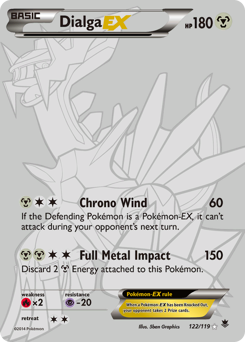

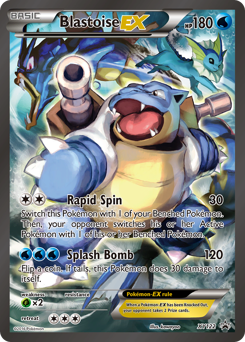

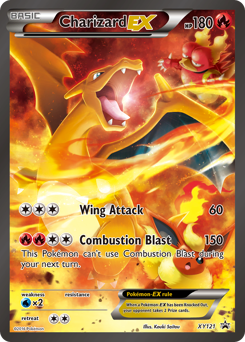
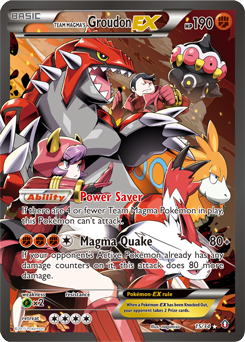
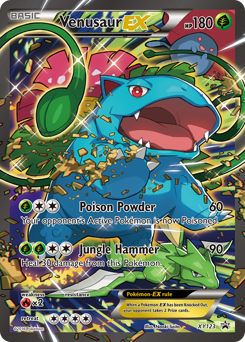
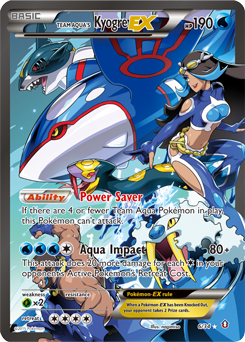
An editor that stays out of the way until you need it. Your collection—not a dashboard—is the centerpiece.
Search by name, language, set, and collector number. Review the exact card before adding it.
Search in bulk or split multi-card photos for exact-print review. Lock favorites in place, compare themed arrangements, and apply only when you are ready.
Four, nine, or twelve pockets. Black or white sleeves. Track ownership and condition, organize unplaced cards, and share a read-only showcase.
Search the catalog, or review photos and verify exact printings before adding them.
Use Design my binder to generate arrangements and preview them without changing your pages.
Apply the arrangement, move cards around, and save a JSON backup on your device.
Mega Rayquaza ex, Legendary Stadiums, and the cards and products collectors should know.
Aura Seeker, the reported Flowing Fists release, and what's still unconfirmed.
How to group artwork, choose focal points, and make a collection feel cohesive.
Yes. You can create and organize binder pages without a paid account or subscription.
Accounts are the best way to keep your collection across devices. Signed-in edits sync automatically, and Ninefoil also saves on your device. Choose Collection → More → Import or export for a portable copy.
Yes. The layout designer previews changes before applying, saves a restore point, and supports the existing binder's Undo controls.